Skip to content
Key Takeaways
- Deliver closed-vector SVG or DXF files with clean nodes; open or messy vectors cause burning and rework.
- State tolerances in millimetres on the drawing itself, not in email, so the factory cuts to a checkable spec.
- Approve a golden sample before volume; it locks engrave depth, colour, and kerf so reorders match.
Every CNC-routed or laser-engraved wooden product begins life as a file, and the quality of that file determines the quality of the finished piece. Yet cnc laser design files are the most commonly botched part of the handover between buyer and factory: a raster image sent instead of a vector, an open path that makes the laser wander, or a tolerance that lives only in an email thread. This guide gives importers a practical standard for file formats, tolerances, and handover so the first sample is close to the final product.
The core principle is simple: the factory should never have to guess. Anything that matters — outline, engrave area, depth, kerf, tolerance, material thickness — must be explicit in the file or its accompanying spec sheet. When the file is complete and unambiguous, quoting is faster, sampling is cheaper, and mass production is repeatable. When it is not, you pay for the ambiguity in rework and delayed shipments.
File Formats: Vector for Cutting, Layers for Engraving
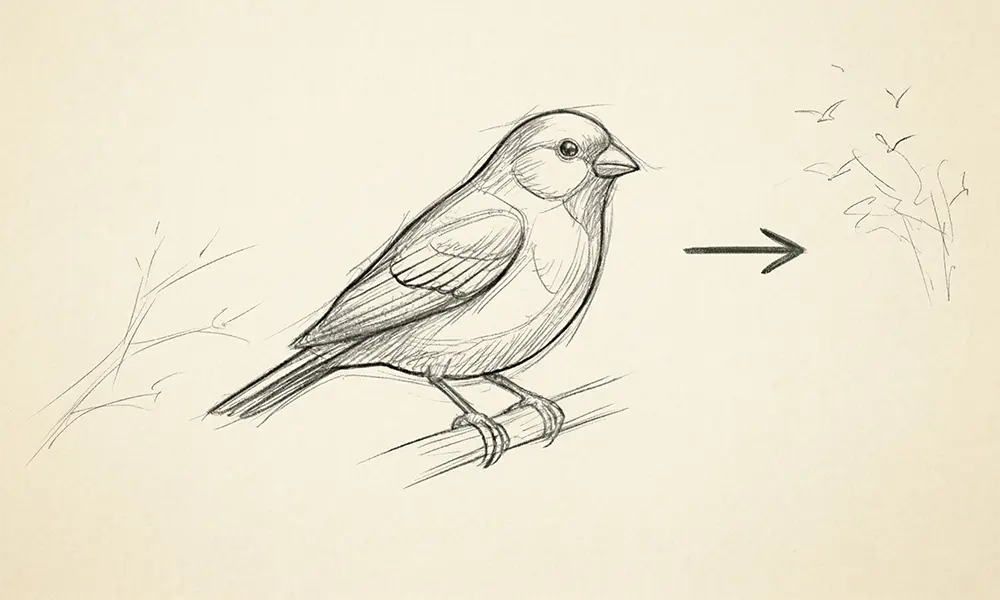
Laser cutting and CNC routing require true vector geometry — closed paths with clean anchor points — because the machine follows the path, not the picture. The W3C SVG specification and the DXF interchange format are the two workhorses; SVG suits laser engraving and light cutting, while DXF (and STEP for 3D CNC) suits routed profiles. Raster images (JPG, PNG) are only acceptable as a reference for artwork to be engraved, never as cutting geometry. Always export at 1:1 scale in millimetres so the machine reads real dimensions.
Tolerances, Kerf & Material Thickness
Wood is a living material, so tolerances must be realistic. For fitted parts — a puzzle joint, a slot-in stand, a lid — specify a working clearance of a few tenths of a millimetre and account for the laser’s kerf (the material burned away by the beam), which is typically around 0.1–0.3 mm depending on power and thickness. State the nominal material thickness and its acceptable range, because a 3 mm sheet that arrives at 2.8 mm changes every fit. Put these numbers on the drawing, not in a side channel, so they travel with the geometry.
Layering, Naming & the Handover Package
A professional handover separates operations into named layers or colours: one for through-cutting, one for deep engraving, one for surface marking. This lets the machine operator assign power and speed per operation without interpretation. Accompany the file with a one-page spec: material, thickness, finish, tolerance table, and a rendered preview of the intended result. This package is the backbone of a smooth custom manufacturing program, and it is exactly what a factory’s production team reviews during a wholesale wooden crafts quotation.
From File to Golden Sample
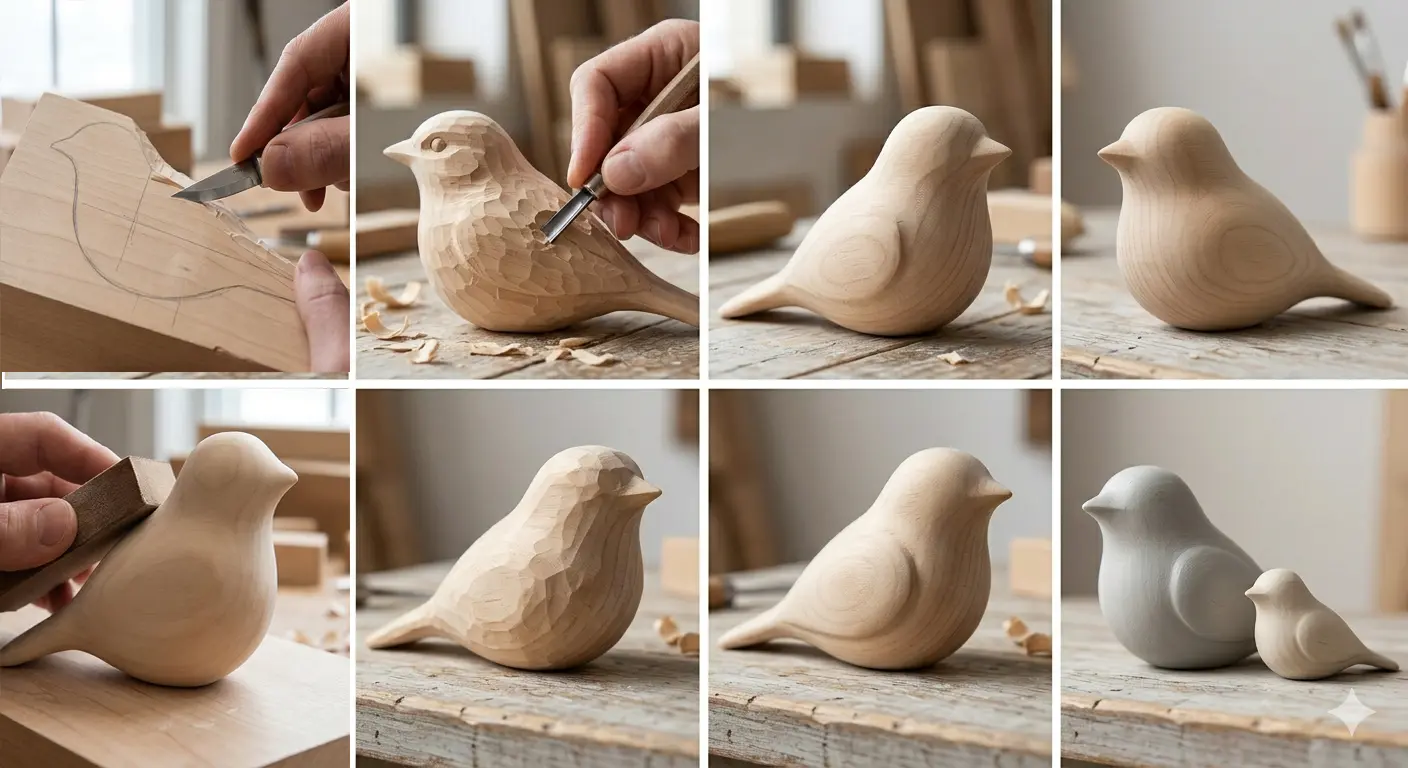
Never go from file straight to volume. Cut a golden sample from production-grade material, approve it in writing, and keep it as the physical reference for every reorder. The golden sample locks what a file cannot fully express: engrave depth feel, edge char, colour under your finish, and the look of the grain. When a dispute arises months later, the sample — not the email — is the arbiter. Treat the approved file version and the golden sample as a paired contract: same revision number, same date, stored together.
Common File Mistakes That Cost Money
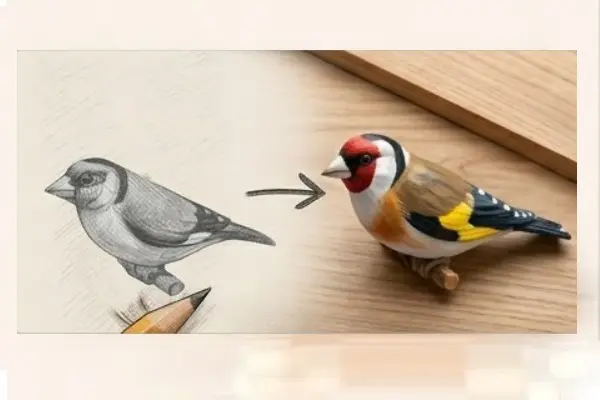
The most expensive file errors are the invisible ones. Open paths make a laser cut wander and leave a connected tab; overlapping vectors cause double-burns that char the edge; and rasterized text engraves as a fuzzy bitmap instead of crisp vector lines. Scaling errors are equally common: a file designed in inches and read as millimetres produces a part a third of the intended size. Every one of these is preventable with a preflight pass that closes paths, removes duplicates, and confirms units before the file leaves your desk.
Another frequent failure is embedding the artwork at the wrong resolution for engraving. Photographic engraving needs a high-contrast bitmap at adequate DPI, while line engraving needs vectors; mixing the two in one layer forces the operator to guess settings. Separate photo engraving into its own layer with a noted DPI so the result is predictable.
Version Control & Reorders
Files evolve, and without version control a reorder can silently drift from the approved product. Name files with a revision and date, keep the golden sample tagged with the same revision, and store the approved vector, the spec sheet, and a rendered preview together in one folder shared with the factory. When a change is requested — a logo tweak, a size change — increment the revision and re-approve a sample rather than assuming the change is trivial. Small geometry edits can alter fit and engrave depth.
This discipline is what makes a custom manufacturing relationship scalable: the factory spends its time cutting product, not deciphering files. Buyers who arrive with clean, versioned files receive faster quotes, fewer sampling rounds, and reorders that match the original exactly — which is ultimately what their retail customers are paying for.
Choosing Between CNC and Laser for Each Job
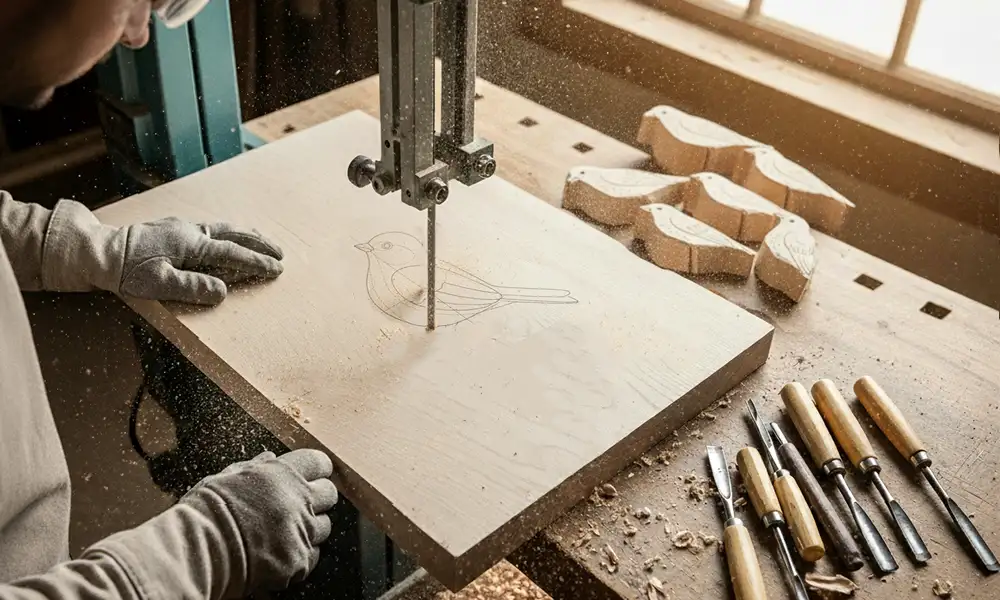
CNC routing and laser processing are complementary, not interchangeable. A CNC router removes material with a spinning bit, producing true three-dimensional relief, bevels, and depth — ideal for carved signage, 3D figurine blanks, and joinery. A laser burns or vaporizes material, excelling at fast 2D through-cutting, fine surface engraving, and intricate patterns that a bit cannot reach. Choosing the right tool per feature is a design decision that should be made before the file is finalized.
Many products combine both: a laser-cut profile with a CNC-carved face, or a CNC-shaped blank with laser-engraved personalization. When a design uses both, the file must define each operation clearly and the handover must state the order of operations, because cutting before carving (or vice versa) can shift registration. Specify datum points or registration marks so the two machines align.
Cost follows the tool. Laser time is cheap for 2D but expensive for deep 3D (which it cannot do well); CNC time is cheap for depth but slow for fine 2D detail. A buyer who understands this can read a quote sensibly and push back when a factory proposes the wrong process for a feature. Discuss process selection early with your custom manufacturing partner so the design is optimized for the machine that will actually make it.
A final, practical habit: always request the machine-ready proof before production. A good factory will render or plot the parsed file — showing cut paths in one colour and engrave areas in another — and send it back for confirmation. This five-minute check catches unit errors, missing layers, and wrong kerf compensation before any wood is burned. Buyers who institutionalize the proof-back step eliminate the largest single source of CNC and laser rework, and they build a reputation as the client whose files are always right.
Treat your design files as product inventory: valuable, versioned, and audited. The companies that do see sampling costs fall dramatically and reorders land without drift, because the knowledge of how to make the piece lives in the file and the golden sample rather than in a single engineer’s memory. That is the foundation of a scalable, repeatable CNC and laser program.
In short, a clean file, an explicit spec, and a verified golden sample turn CNC and laser work from a gamble into a repeatable manufacturing process that scales with your brand.
Frequently Asked Questions
What file format should I send for laser cutting?
A true vector file with closed paths, such as SVG or DXF, exported 1:1 in millimetres. Raster images are only acceptable as reference artwork for engraving, never as cutting geometry.
What is kerf and why does it matter?
Kerf is the material burned away by the laser beam, typically 0.1–0.3 mm. It must be compensated in fitted parts, otherwise joints come out loose or tight. State it on the drawing.
How should I organise layers in the design file?
Separate operations into named layers or colours: one for through-cutting, one for deep engraving, one for surface marking. This lets the operator assign power and speed per operation without guessing.
What belongs in the handover spec sheet?
Material species and thickness with acceptable range, tolerance table, finish, kerf allowance, and a rendered preview of the intended result. Everything that matters should be explicit and travel with the file.
Why approve a golden sample before mass production?
A sample locks what files cannot express: engrave depth feel, edge char, finish colour, and grain look. It becomes the physical reference for reorders and the arbiter in any later dispute.
Hand Over Clean Files, Get Repeatable Product
Work with a factory that reads vectors, respects tolerances, and builds golden-sample control into every CNC and laser program, from first sample to full container.
Start a Custom Manufacturing Brief →